


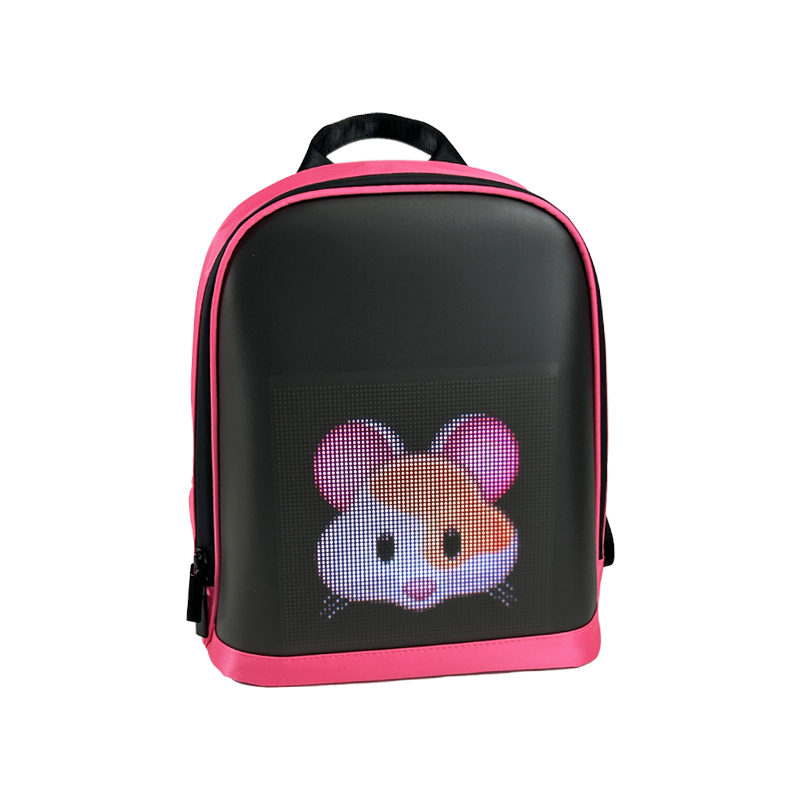
Cleaning a programmable backpack properly is essential for keeping both the fabric and the LED panel in excellent working condition. Whether you own a pix led backpack, a pixel led backpack, or a full-matrix led pixel backpack, regular maintenance helps preserve brightness, responsiveness, and durability. Many users worry about damaging the electronic display when cleaning a led screen backpack, but with the right methods, you can safely keep it fresh without risking the LED system.
1
Always Power Off Before Cleaning
First of all, make sure you power off your LED screen backpack and unplug the power bank. Water should never come into contact with the electronic parts of a Pix LED backpack, so please double-check that no electronic accessories are connected. With this action, you are saving your LED pixel backpack from the risk of an accidental short circuit.

pix led backpack

pixel led backpack
programmable backpack
2
Remove Cables and Internal Components
3
Clean the LED Display Gently
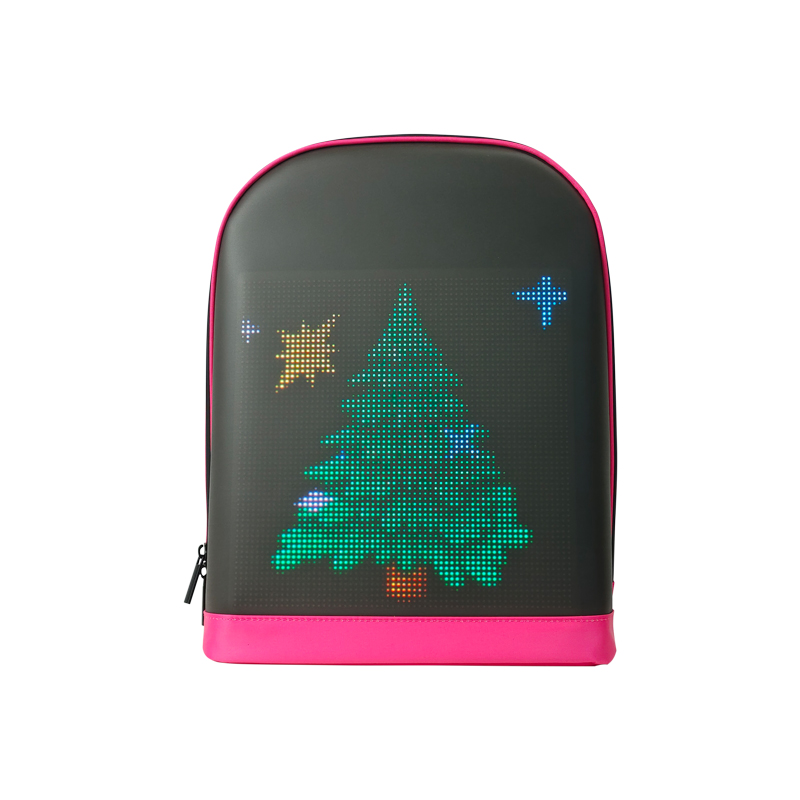
An LED panel is the most sensitive element in a pixel LED backpack. Don’t use a wet cloth, but rather a damp, soft microfiber cloth to remove the dirt from the screen. Never apply the cleaning agents directly onto your pixel led backpack. In the case of fingerprints or noticeable smudges, take a mild soap diluted with water and softly rub the LED pixel backpack in your fingers in circular motions.
pix led backpack
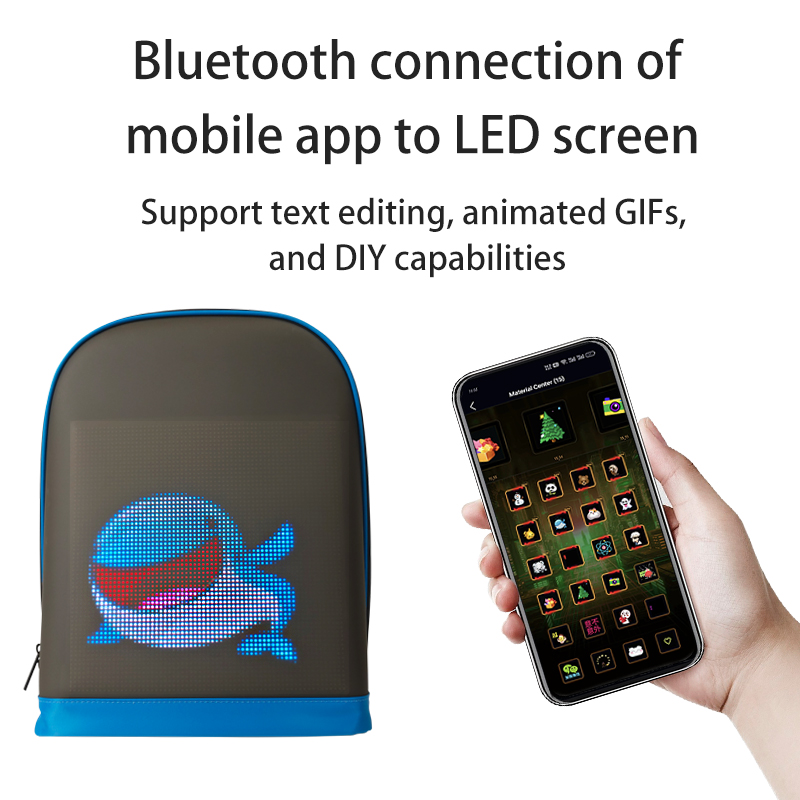
pixel led backpack
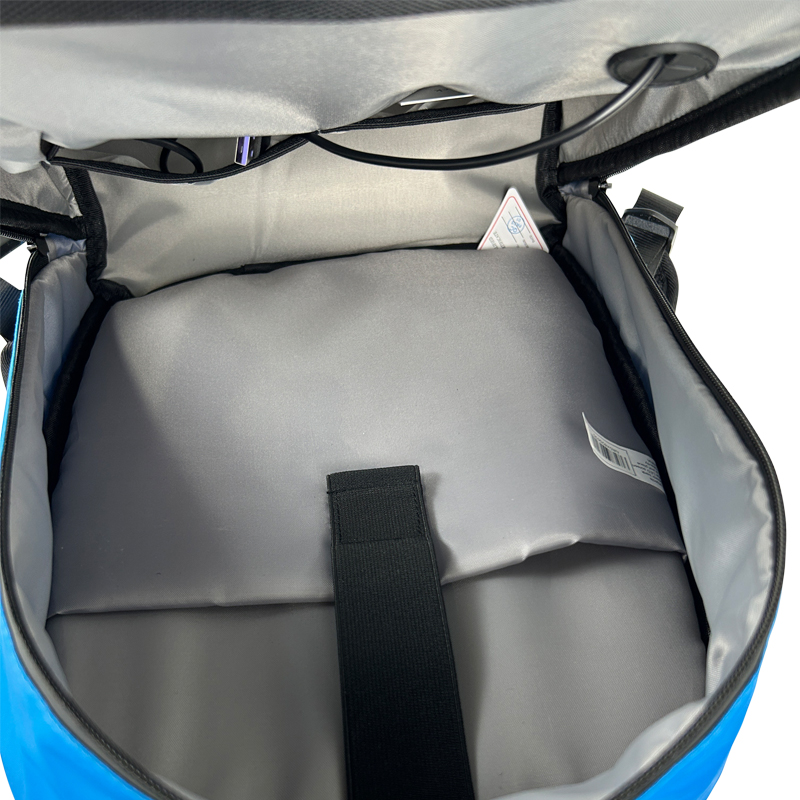
led pixel backpack
4
Wash Fabric Areas Separately
Standard fabric portions of your smart backpack are washable with a gentle detergent and warm water. Make your cleaning cloth a little wet with the solution, and after wiping the cloth over the different backpack parts, let the fabric air dry. So, you not only will keep the non-electric parts of your led screen backpack looking nice, but they will also stay odorless and dirt-free.
5
Never Machine Wash Your LED Backpack
Not even a sturdy model, such as a Pix Led backpack, should be put in a washing machine. The agitation, water pressure, and heat of the wash can cause the LED grid and internal wiring to be irreversibly damaged. For any led pixel backpack, the most secure method is to hand wash the soiled areas only.
6
Air Dry Completely Before Reconnecting
7
Long-Term Maintenance Tips
To keep it working well for a long time, make sure you regularly clean your pix Led backpack with a dry cloth to avoid dust that can come up from the LED panel. When your pixel led backpack is off duty, put it away in a fresh place and don't put any heavy things on the display. Good storage is what saves the life of your LED pixel backpack and makes sure the led lighting stays bright and attractive.
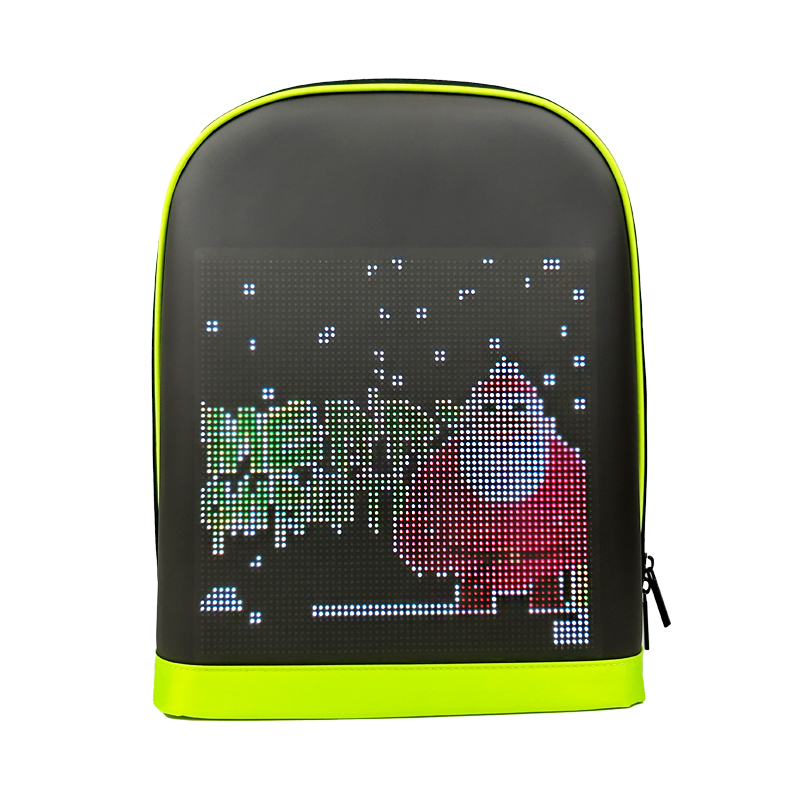
led screen backpack
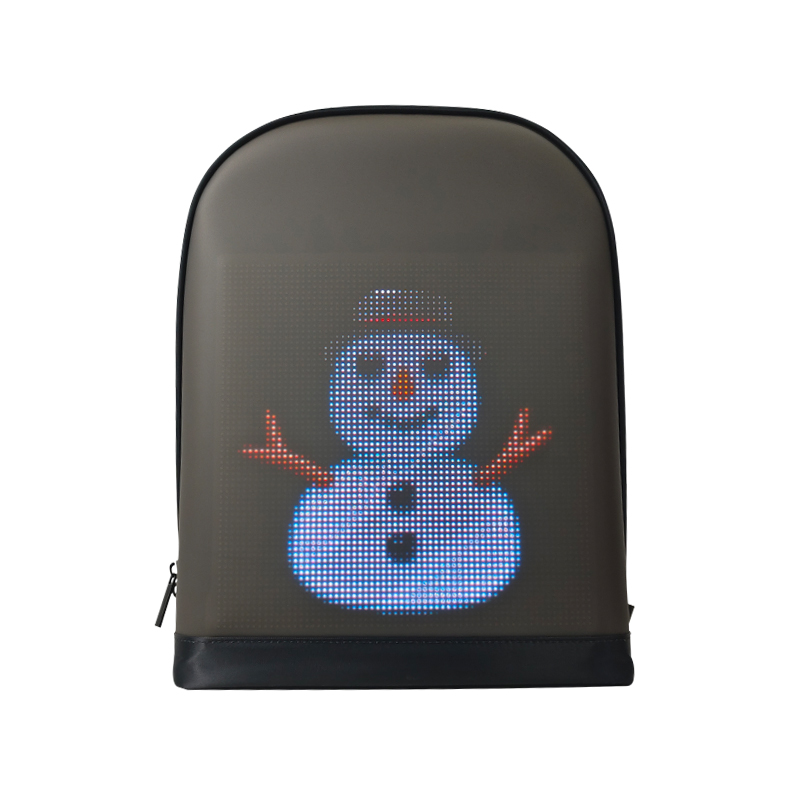
programmable backpack
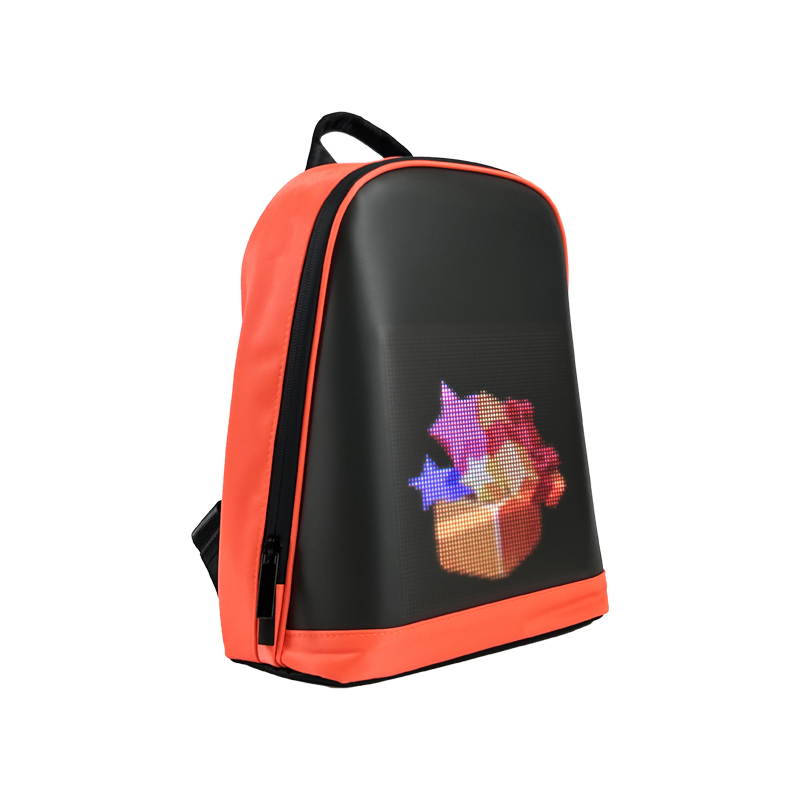
led screen backpack
